Someone signs up for your free guide. The email looks normal. The download goes out.
Then every email you send after that goes nowhere.
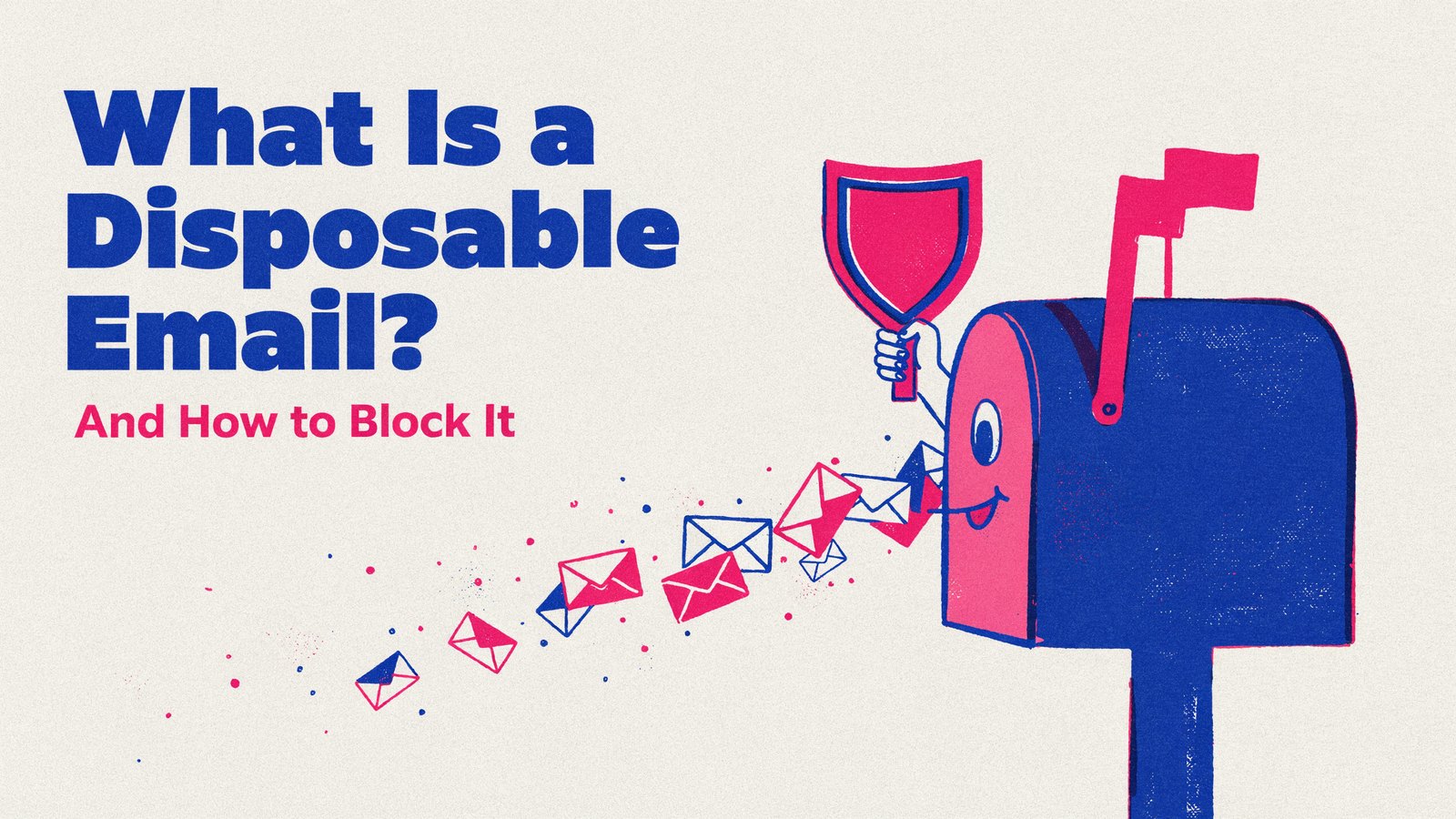
That sign-up used a disposable email address, an inbox built to vanish. Here's what disposable emails are, why people use them, the damage they do and how to keep them off your list.
What Is a Disposable Email Address?
A disposable email address is a temporary inbox that works for a short time and then disappears.
You can get one in a single click from hundreds of free websites. No sign-up, no password, no name. The site shows you an address and an inbox, and any email sent there shows up for a few minutes or hours.
Then it's gone. The address stops working, or nobody ever checks it again.
You'll also hear them called temporary emails, throwaway emails, burner emails, temp mail or 10-minute mail.
How Disposable Email Services Work
It's surprisingly simple.
- A person visits a temp mail website. It instantly shows a random address on one of its domains.
- They paste that address into your form. Your sign-up, free trial, download or discount.
- Your email arrives in the temporary inbox. They grab the link, code or file.
- The inbox expires. Minutes or hours later, the address is abandoned.
These services own thousands of different domains and add new ones all the time. Many domains look completely ordinary, which is why you can't spot them just by looking.
Why Do People Use Disposable Emails?
Most people aren't trying to cheat you. They're trying to avoid something.
- Avoiding marketing emails. They want the freebie but not the follow-ups.
- Privacy. They don't trust the site with their real address.
- Getting more free stuff. Extra free trials, repeat discounts or multiple giveaway entries.
- Testing. Developers and testers use them to check sign-up flows.
- Spam and abuse. Bots use them to create fake accounts, post spam or abuse referral programs.
Whatever the reason, the result for your business is the same. A contact on your list that will never become a customer.
How to Spot a Disposable Email
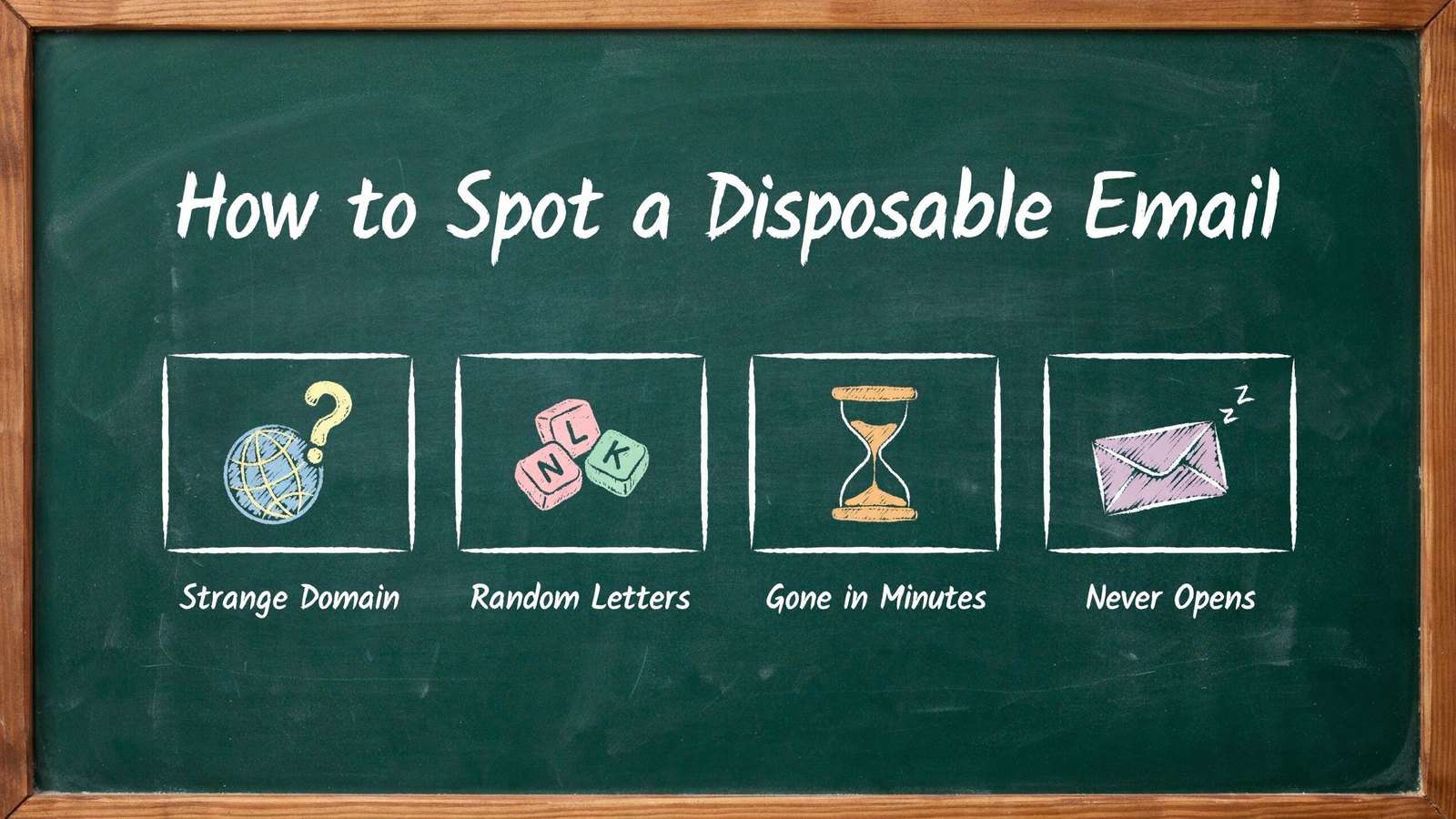
There are a few telltale signs, though none of them is reliable on its own.
A Strange Domain
Real people mostly use Gmail, Outlook, Yahoo, iCloud or their company domain. A domain you've never heard of is a warning sign.
Random Letters
Addresses like xk7qp2m@ followed by an odd domain are often generated automatically.
Gone in Minutes
The address works at sign-up, then starts bouncing a day or two later.
Never Opens
The contact downloaded the freebie and never opened another email again.
The problem is that by the time you notice the last two signs, the damage is done. That's why blocking at sign-up matters.
The Hidden Damage Disposable Emails Do
One fake sign-up doesn't hurt. Thousands of them quietly poison your marketing.
| Problem | What Happens |
|---|---|
| Falling open rates | Fake addresses never open, so your averages drop |
| Worse deliverability | Gmail and others see low engagement and send more of your mail to spam |
| Wasted money | You pay your email service for contacts that do not exist |
| Wasted ad spend | Ads look like they bring leads, but many are fake |
| Abused offers | Free trials, discounts and giveaways get claimed again and again |
| Bad decisions | Your lead numbers look better than they really are |
The worst part is that it happens slowly. Disposable addresses often don't bounce or unsubscribe. They just sit there, dragging everything down, month after month.
Why Your Email Deliverability Suffers
This one deserves a closer look, because it affects every email you send.
Mailbox providers like Gmail and Outlook watch how people react to your emails. Opens, clicks, replies and complaints all count. When a big part of your list never engages, they start to think your emails aren't wanted.
So your emails land lower in the inbox, in the promotions tab or in spam. Even your real, interested subscribers stop seeing them.
Since 2024, Gmail and Yahoo have also been stricter with bulk senders about bounces and complaints. A list full of dead addresses makes it harder to stay on their good side.
Disposable, Fake and Mistyped Emails Are Not the Same
People often mix these up, but each one needs a different fix.
| Type | Example | Does It Work? | Best Fix |
|---|---|---|---|
| Disposable | A random address from a temp mail site | For minutes or hours | Block it at sign-up |
| Fake | Made up, like test at test.com | Never | Email verification and double opt-in |
| Mistyped | jane at gmial.com | Never, by accident | A "did you mean" suggestion |
| Role address | info or sales at a company | Yes, but shared | Allow it, but watch engagement |
Disposable emails are the trickiest of the four, because they really do work at the moment someone signs up. Simple checks that only ask whether an address can receive mail will let them straight through.
A Simple Example
Picture a small software company offering a 14-day free trial.
Each month, 1,000 people sign up. The team is excited. Then they look closer.
About 200 of those sign-ups came from temporary inboxes. Some were the same people starting a fresh trial every two weeks. Others were bots. None of them ever opened a follow-up email or became a paying customer.
The company was paying for server costs, email credits and support time for 200 users who were never going to pay. Its trial-to-paid rate looked worse than it really was, so it kept changing its pricing page to fix a problem that wasn't there.
After blocking disposable emails at sign-up, trial numbers dropped to around 850. But paid conversions stayed the same, the conversion rate jumped, and the team finally had numbers it could trust.
Your numbers will differ. The pattern usually doesn't.
Who Needs to Block Disposable Emails?
Almost anyone who collects email addresses. But some businesses feel it more than others.
- SaaS and apps with free trials. Throwaway emails let people restart a trial again and again.
- Online stores with welcome discounts. The same person claims the new-customer offer many times.
- Bloggers and course creators with lead magnets. Free downloads attract fake sign-ups that never buy.
- Contests and giveaways. One person enters dozens of times.
- Communities and forums. Spammers create endless accounts.
- Anyone paying per contact. Every fake address costs you money on your email plan.
How to Block Disposable Emails
There are a few ways to do it, from simple to complete.
1. Block a List of Domains by Hand
You can find public lists of temp mail domains and block them in your form settings. It's free, but these lists go out of date fast, because new domains appear every day.
2. Use Double Opt-In
Ask new subscribers to confirm by clicking a link in their first email. It stops made-up addresses, but someone with a working temporary inbox can still click the link.
3. Send the Freebie by Email
Don't show the download or code on the thank-you page. Send it to the inbox instead. It stops fake addresses, but not working temporary ones.
4. Use a Disposable Email Checker
This is the most complete fix. A checker compares every new address against a large, constantly updated list of throwaway domains and blocks it before the sign-up finishes. Real people don't notice a thing.
5. Clean Your Existing List
Blocking stops new fakes. You still need to remove the ones already on your list. Look for bounced addresses, odd domains and contacts who have never opened anything.
Will Blocking Disposable Emails Lose You Real Leads?
It's a fair question.
Your sign-up numbers may dip a little at first. But the people you lose were never going to buy. They gave you a fake address on purpose.
Some of them will come back and sign up with their real email, because they actually want what you offer. Those are the leads worth having.
And for privacy-minded people, a friendly line on your form helps. Something like "We send one email a week. Unsubscribe anytime." Trust gets you real addresses.
A Quick Checklist
- A disposable email checker on every sign-up form
- Free trials, codes and downloads sent to the inbox
- Double opt-in for newsletters, if it suits your audience
- A clear, friendly promise about how often you email
- Bounced and never-opened contacts removed every few months
- Lead numbers judged by real engagement, not raw sign-ups
Block Disposable Emails With NoTempMails
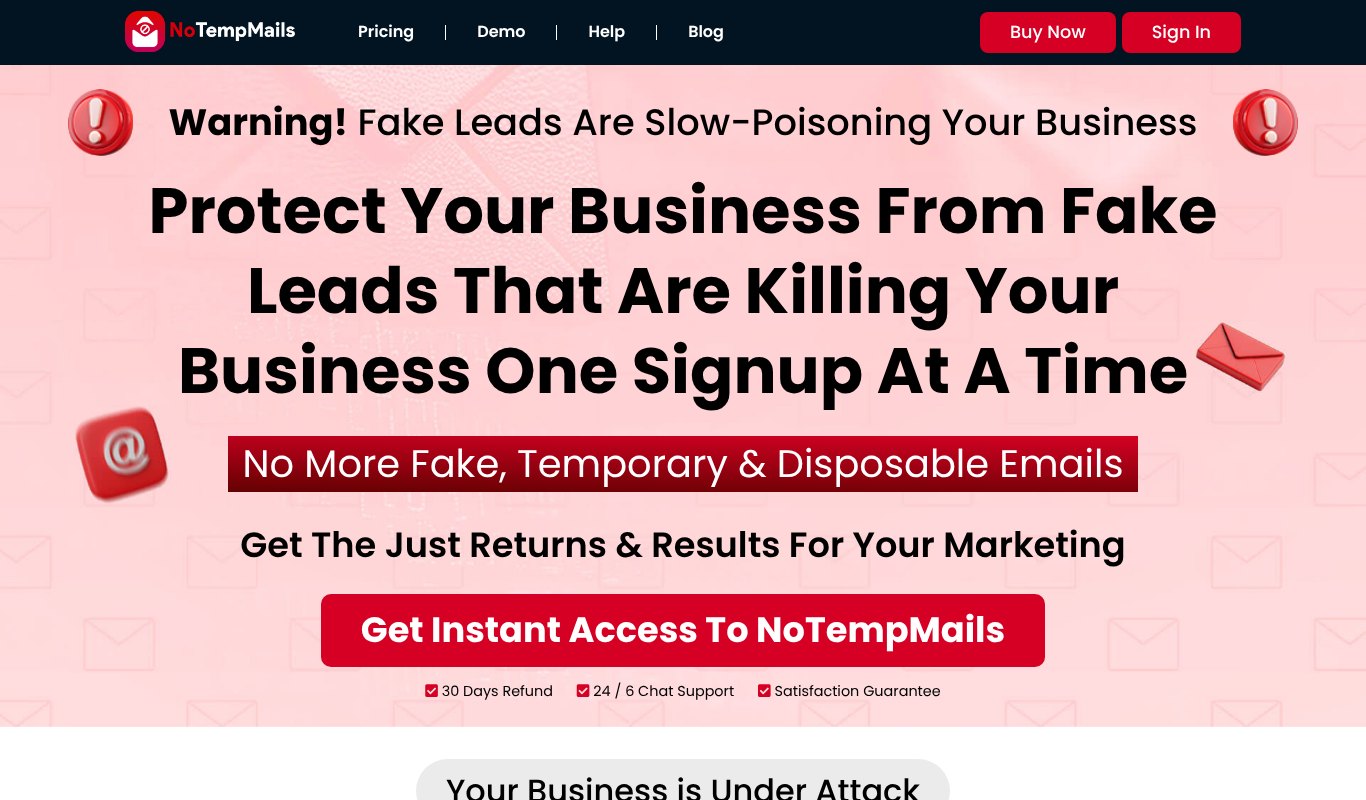
NoTempMails is our own tool at Teknikforce, built to keep temporary and disposable emails off your list.
It checks every email address the moment someone signs up. If it comes from a throwaway service, it's blocked. Real addresses go straight through.
- Blocks disposable emails from thousands of throwaway domains.
- A daily updated list, so new temp mail services get caught too.
- Opt-in form protection for your sign-up forms, pop-ups and landing pages.
- An API to protect your app, SaaS or store sign-ups.
- Cleaner lists, better open rates and better delivery.
Pricing a one-time payment of $47 for a lifetime account with 20,000 credits, API access and opt-in form protection, backed by a 30-day money-back guarantee.
Final Thoughts
Disposable emails are easy to ignore because they look harmless. One fake sign-up here, another there.
But over time they drag down your open rates, push your emails toward spam and make your marketing look better on paper than it really is.
Block them at the door, clean what's already there and judge your list by the people who actually read it. A smaller list of real people beats a big list of ghosts.
FAQs About Disposable Emails
Are disposable email addresses illegal?
No. They're legal to use. But you're also allowed to block them on your own website.
What is the difference between a disposable email and an email alias?
An alias, like the ones from Apple's Hide My Email or a custom domain, forwards to a real inbox that the person checks. A disposable email is a public throwaway inbox that nobody reads after a few minutes.
Can I just block Gmail plus addresses too?
Plus addresses go to a real Gmail inbox, so they are not disposable. If you worry about one person signing up many times, count them as one address instead of blocking them.
How many sign-ups are disposable?
It depends a lot on your offer. Free trials, giveaways and discounts attract far more than a plain newsletter. Check your own bounce and never-opened rates to get a feel for it.
Does double opt-in stop disposable emails?
Partly. It stops made-up addresses, but a working temporary inbox can still click the confirmation link. A disposable email checker closes that gap.
Will blocking disposable emails hurt my SEO or website speed?
No. The check happens in a fraction of a second when someone submits a form. It doesn't affect your pages, your search rankings or how fast your site loads.
What should the error message say?
Keep it friendly and clear. Something like "Please use your regular email address so we can send you the download." Most real visitors simply type their usual address and carry on.